
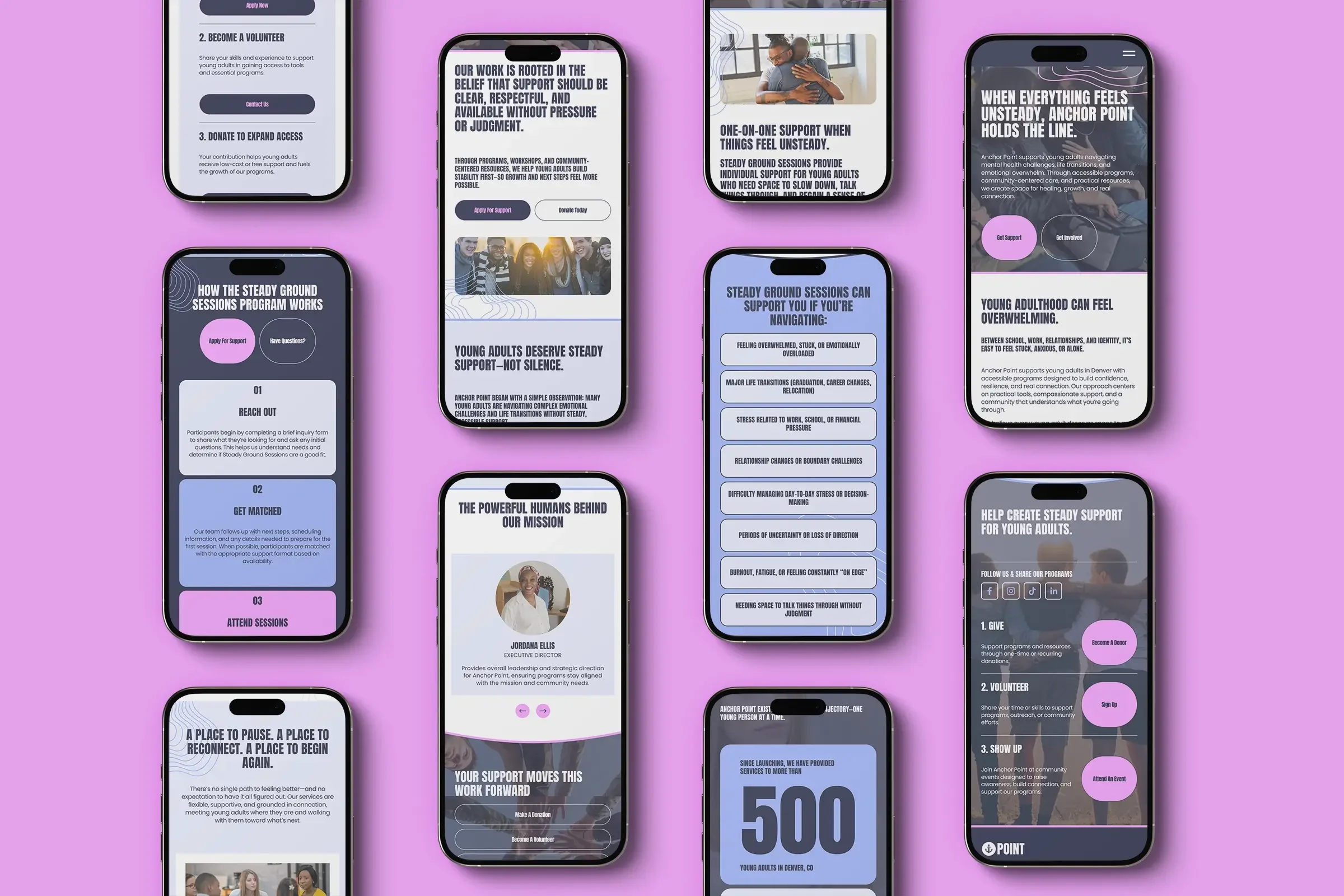
SQUARESPACE website templates for nonprofits
launch your organization in 7 days, not months.
Mission-Driven Design
Donation-Ready
Simple to Edit
Launch in Days





Community & Support
Mobile & SEO Optimized
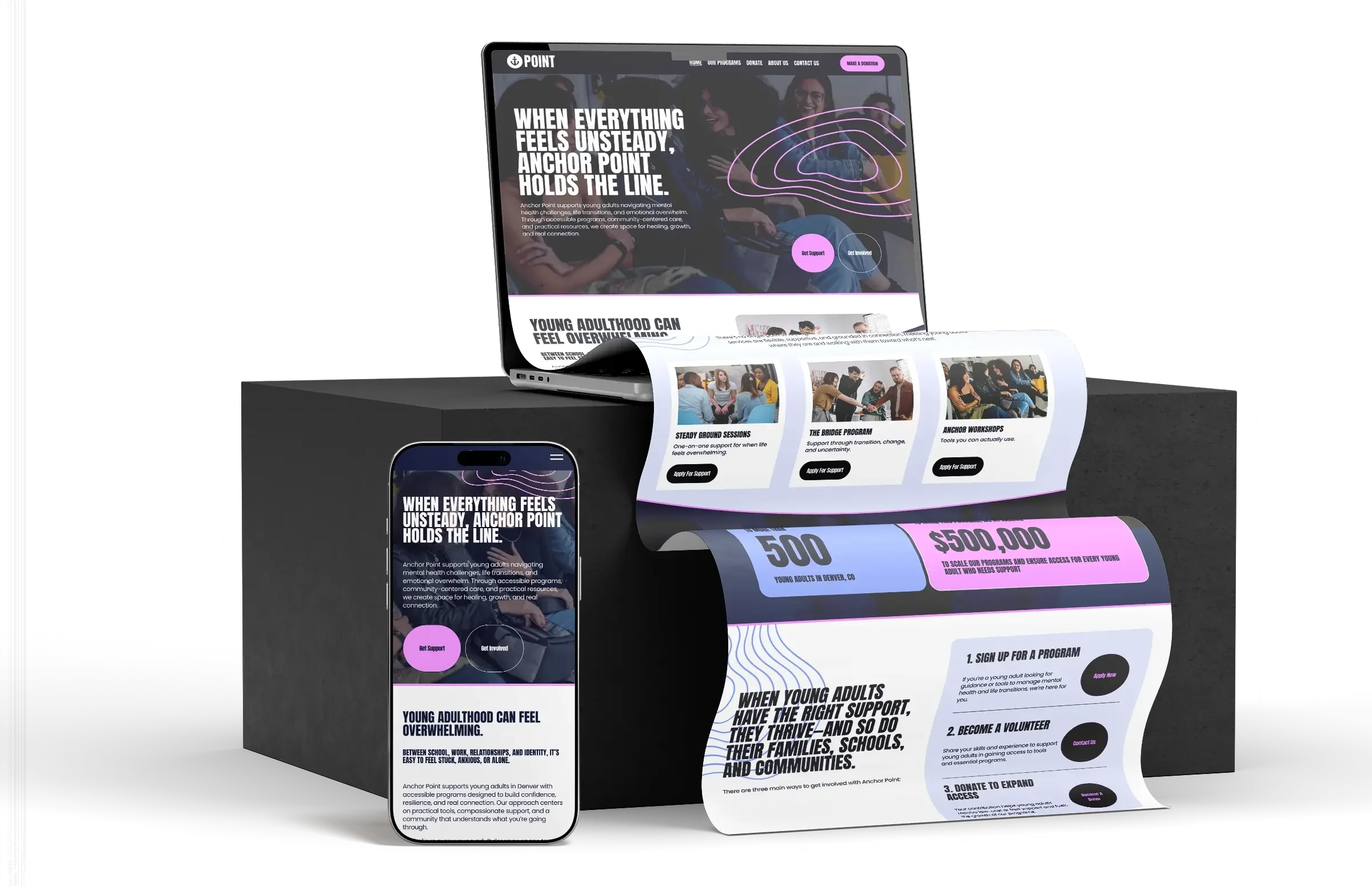
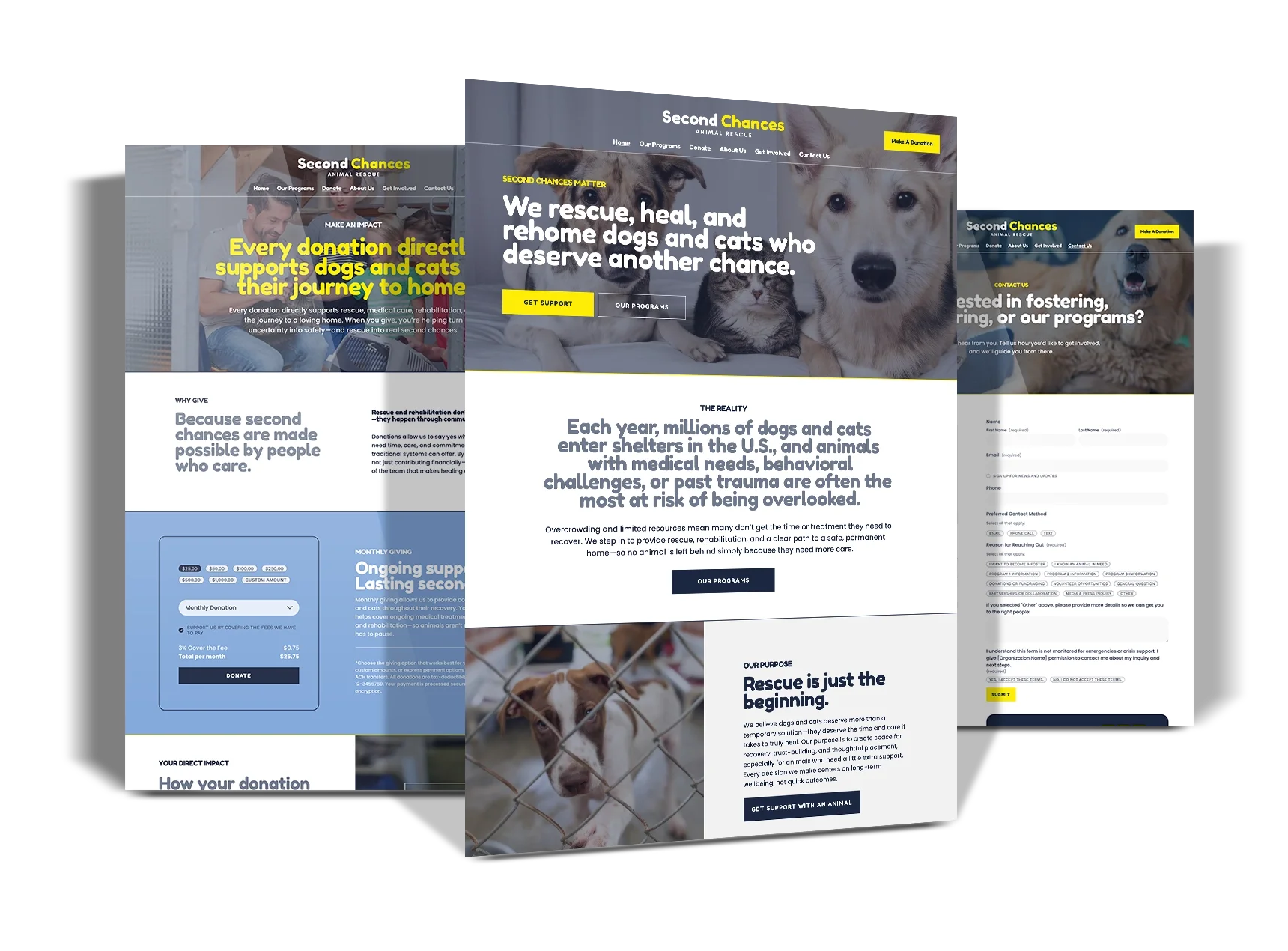
high-impact Squarespace website templates built specifically for nonprofits.
Each template includes a full training hub your entire team can access — so your mission looks credible, your donors trust you, and your staff stays in control of your organization. This isn’t design for design’s sake.
It’s infrastructure for increased impact.
How a squarespace website template Works
-
Choose the nonprofit website template that best fits your organization’s size, structure, and style.
Once you purchase, you’ll receive immediate access to step-by-step instructions and your video training area for your team.
Within 24 hours you will receive a collaborator invite, to accept the transfer of your website.
-
Use the training area to update your content, images, colors, and branding at your own pace. The templates are intentionally structured to guide you—so you always know what to edit and where.
Inside the training, we walk you through:
Editing text and images without breaking your layout
Adding programs, services, or initiatives
Connecting donation tools and forms
Managing staff access and permissions
You don’t need technical experience. If your team can use email and documents, they can manage this website.
-
Once your content is in place, it’s time to go live.
Your video trainings will guide you through:
Final launch checks
Mobile and accessibility considerations
Connecting your domain
Publishing your website
From there, your website becomes a tool your organization can grow with—easy to update, easy to manage, and ready to support your mission long-term.
each template gives you:
A clear, credible website structure

Messaging flow that supports donor trust
Pages designed around real nonprofit needs
A site your team can confidently manage in-house
Mobile-first design for a seamless user experience
Choose the Right Template for Your Nonprofit
Not Sure Which One to Choose?
If you want to get live fast and refine later, start with a Starter Template. If you want a more complete foundation from day one, choose a Full Template.
You can always upgrade later.
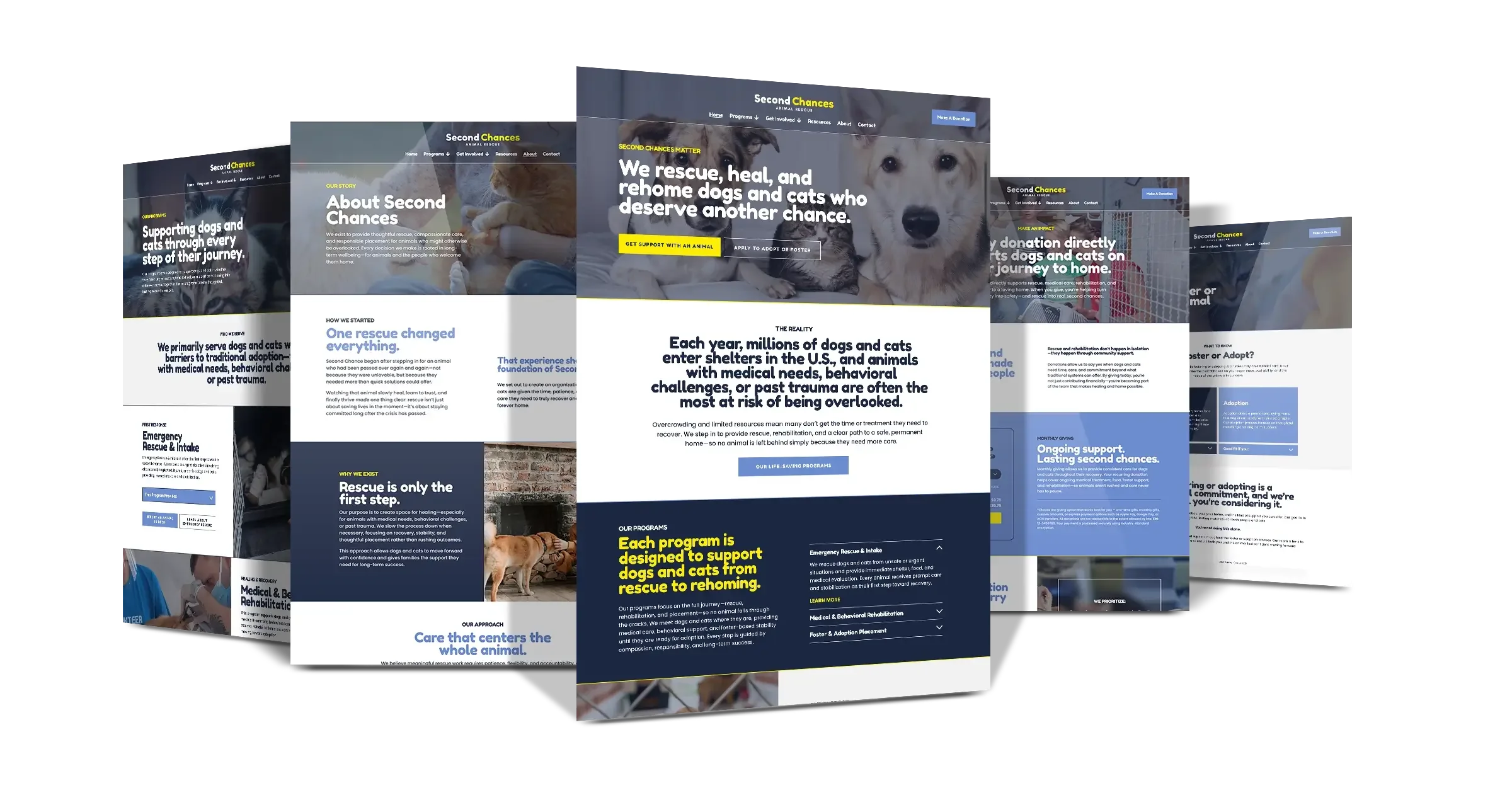
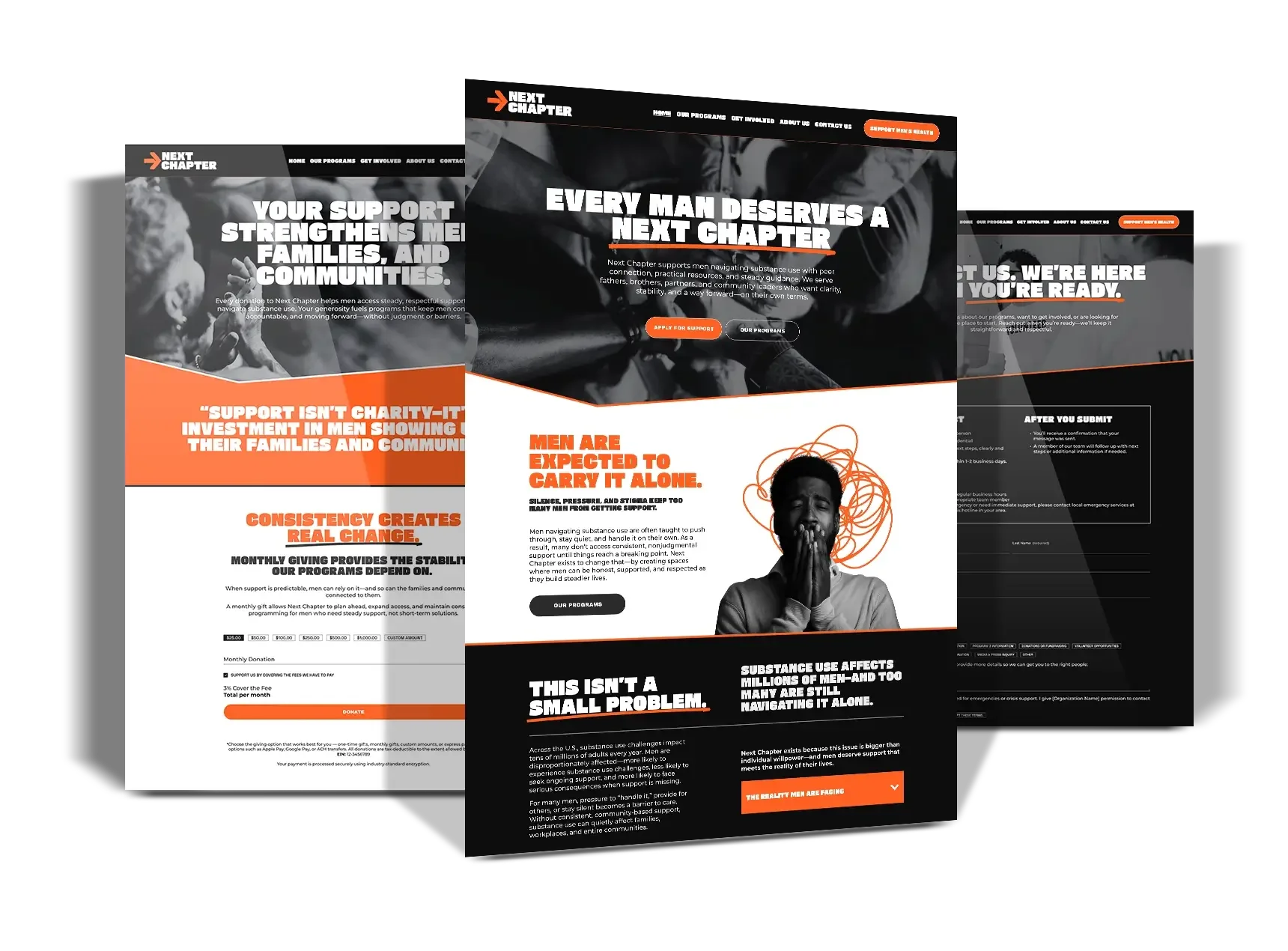
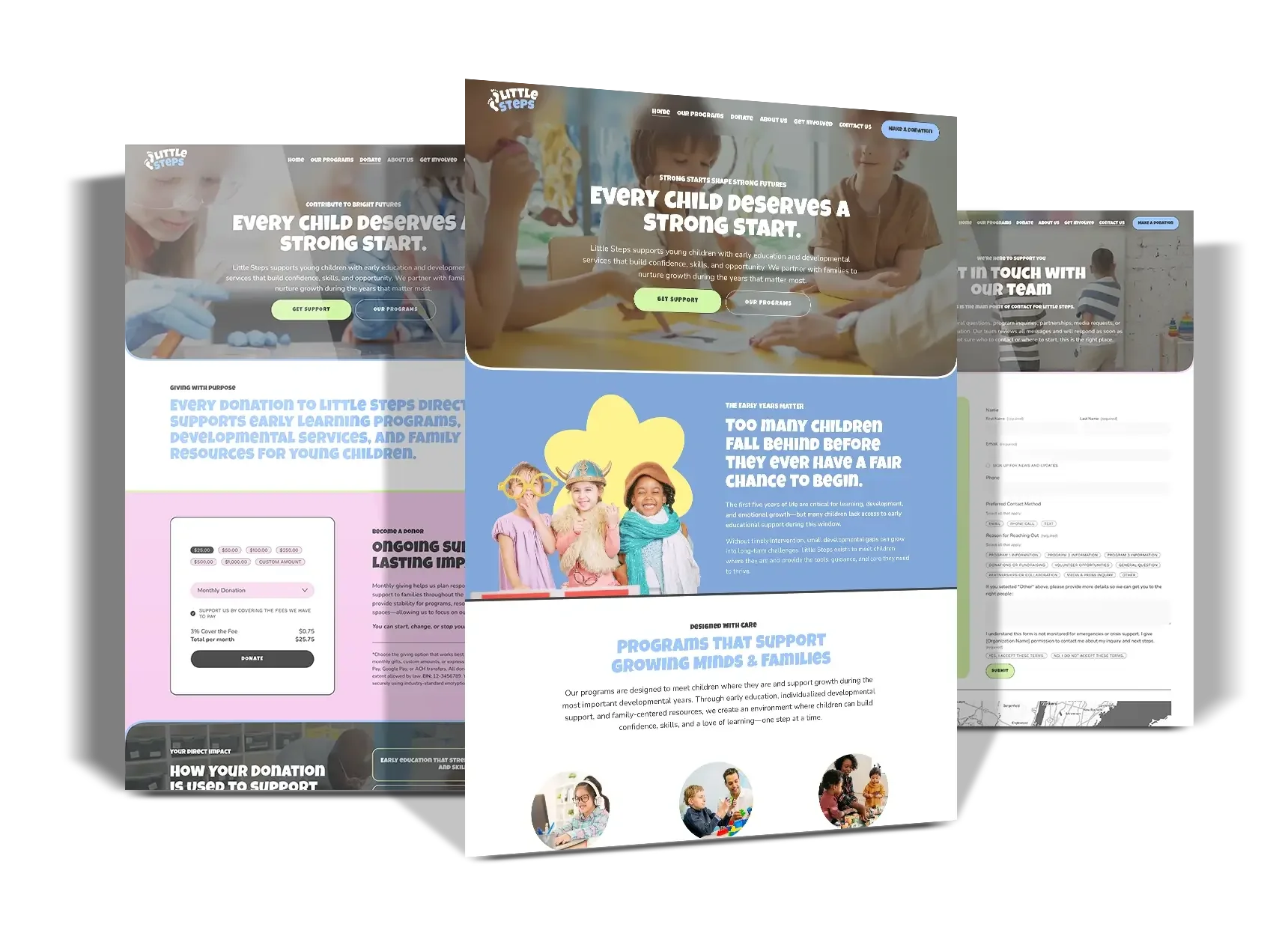
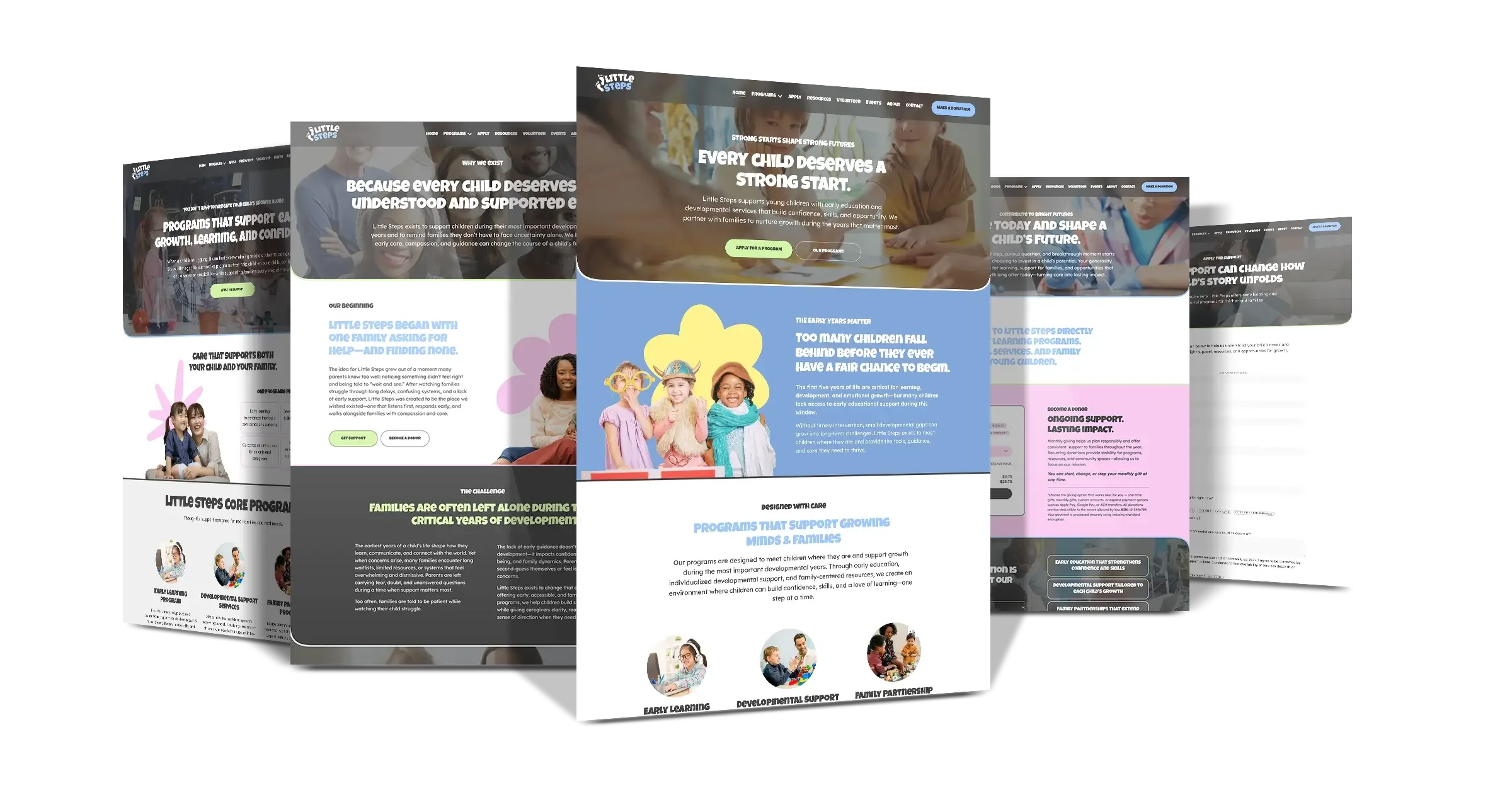
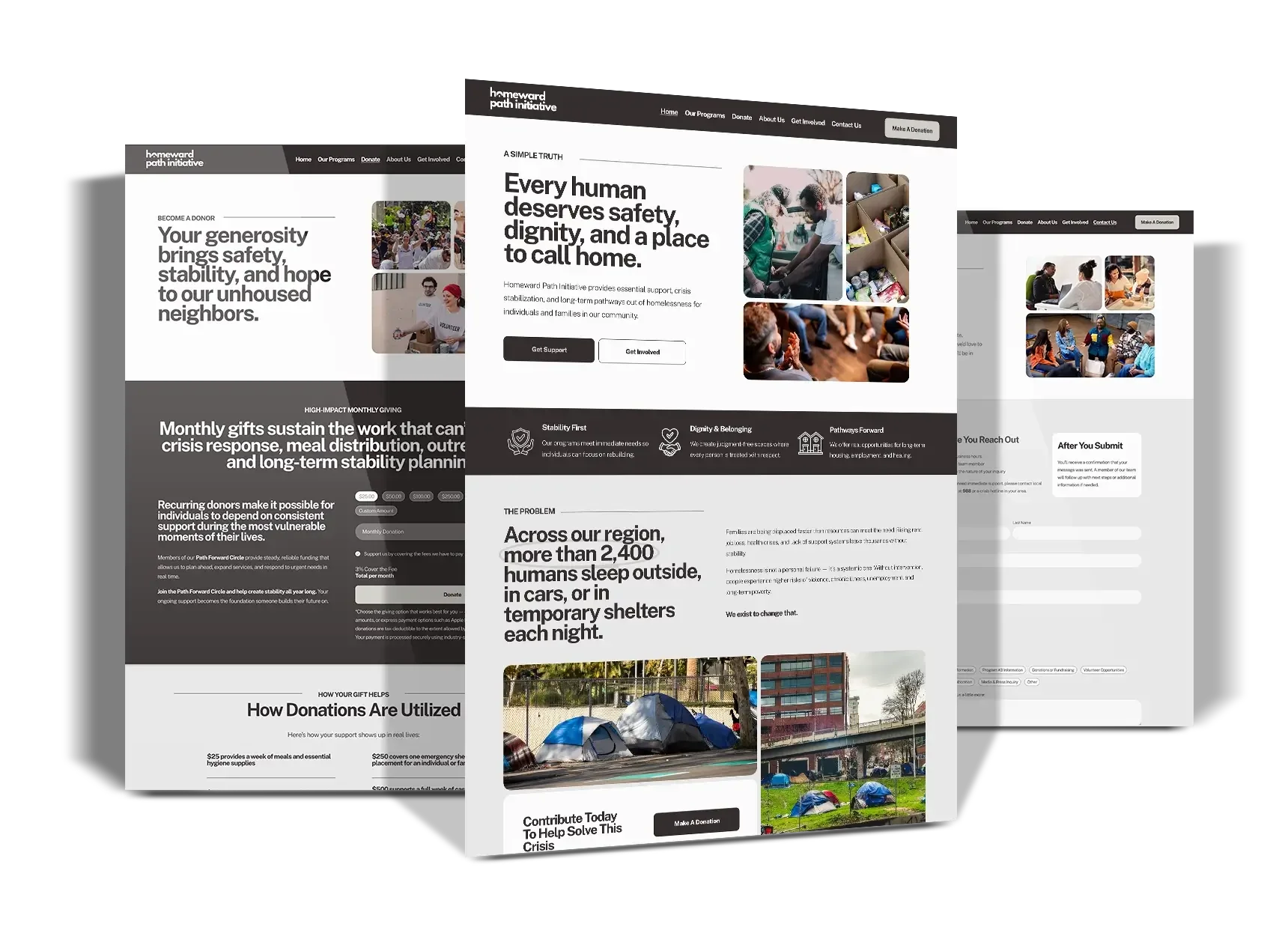
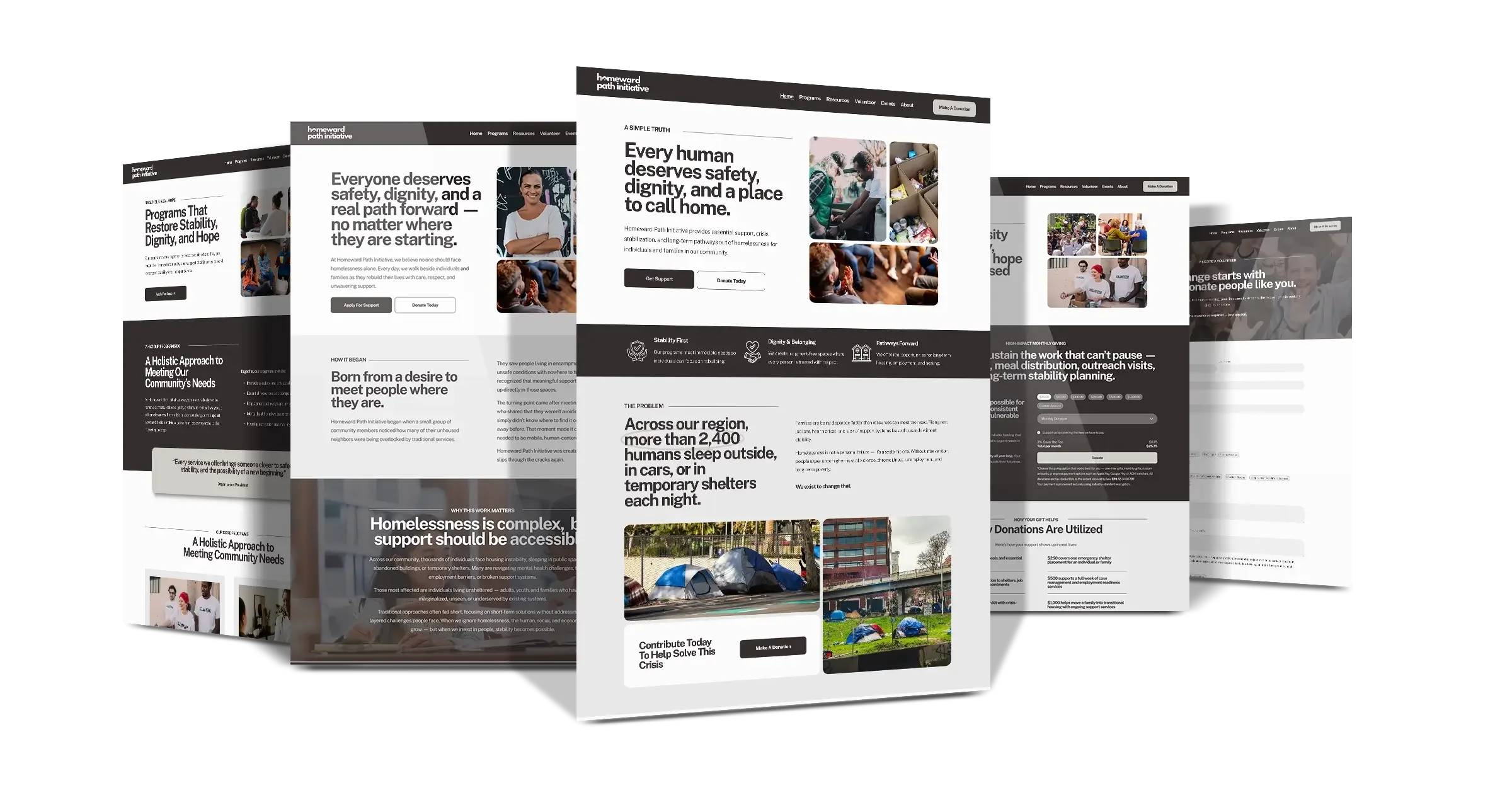
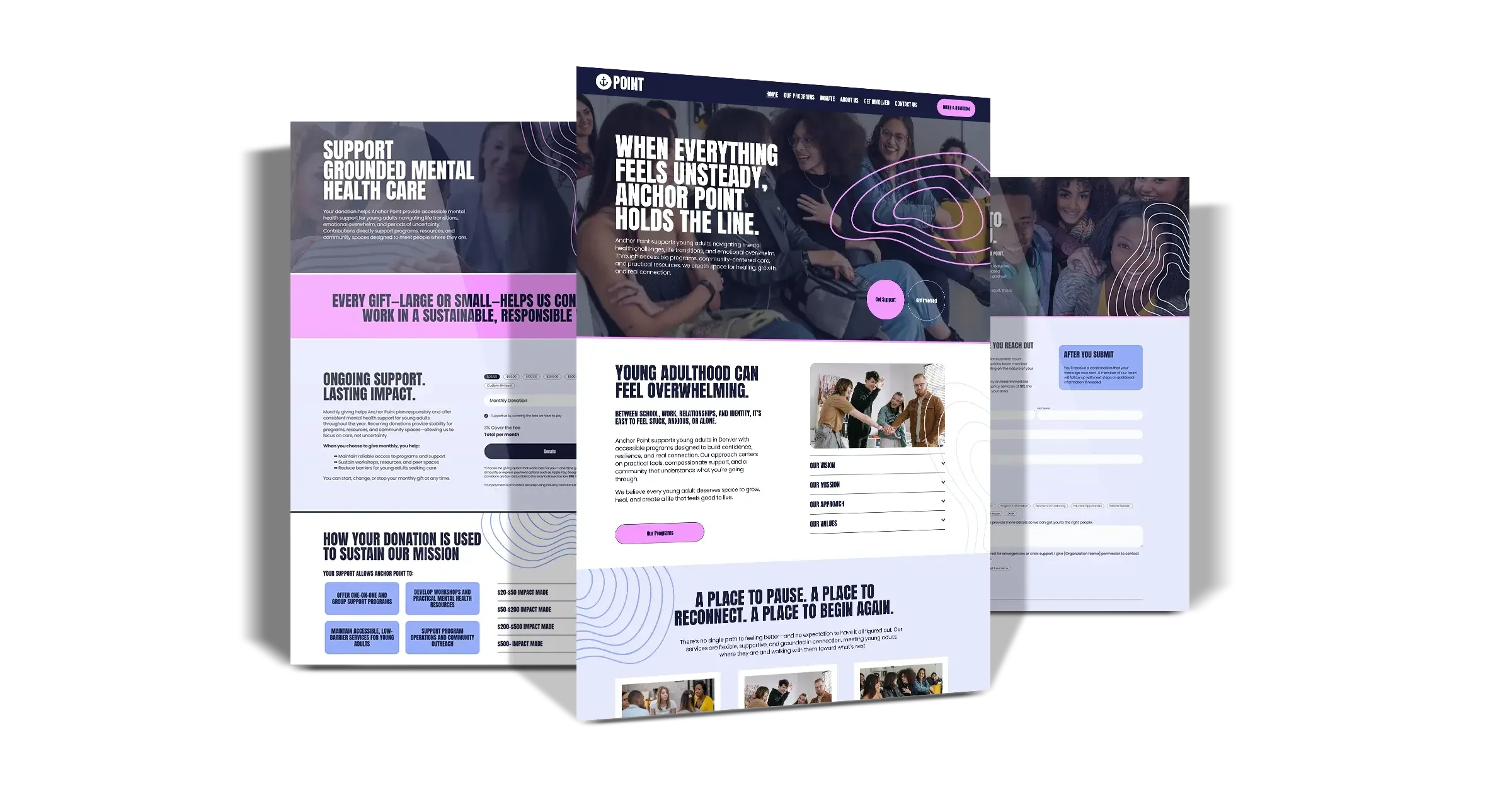
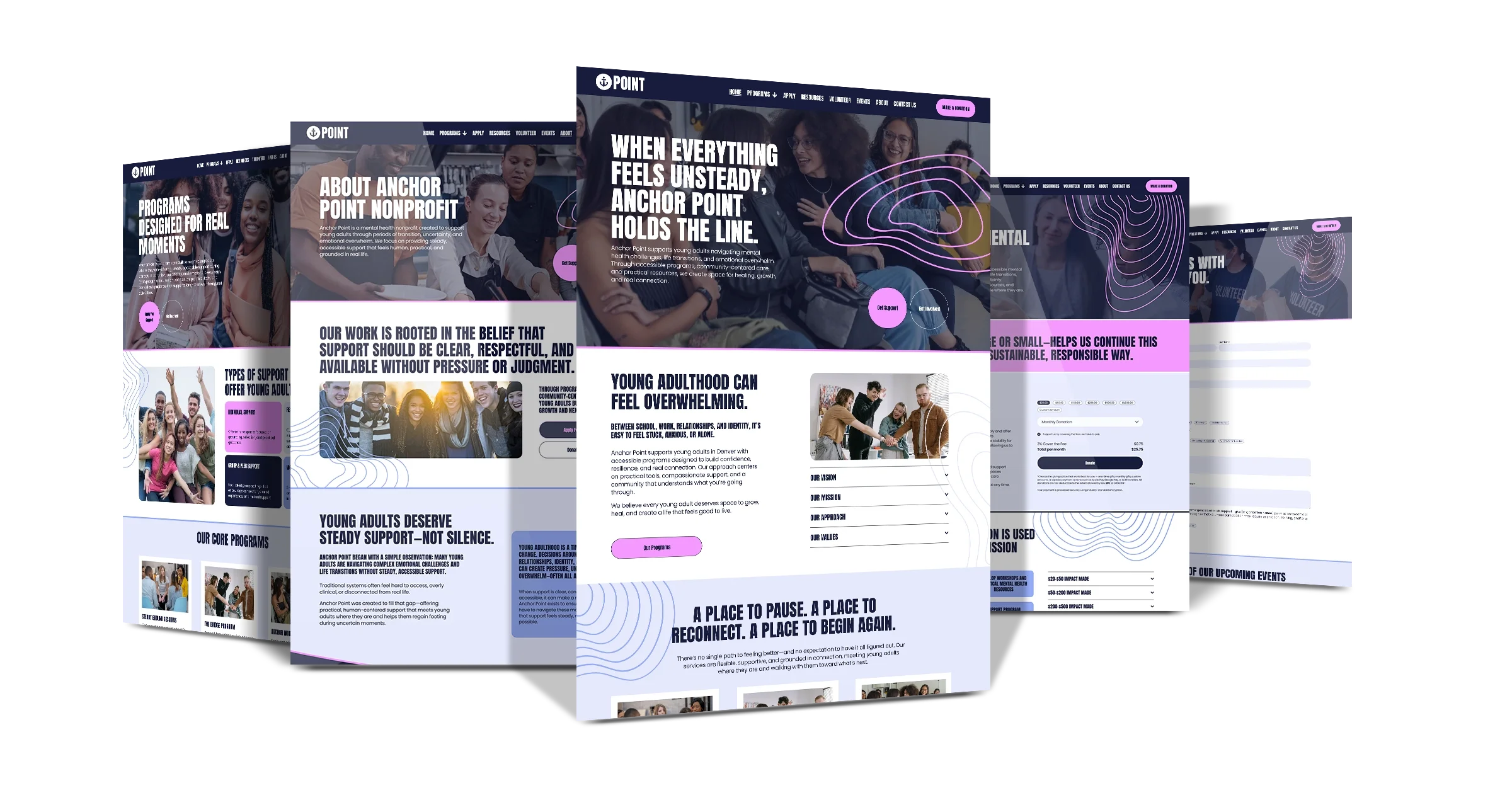
Payment Plans Available
❋
Payment Plans Available ❋
EVEry template includes:
15 Days of FREE email & Loom video support For your team
15 days of email and Loom video support to help you through setup and beyond.
Video Training Access for you and your whole organization
Video tutorials for editing your new website and training your team to manage it long term.
copywriting, seo and content creation Support Guides
Simple guides for writing copy with AI, sourcing free visuals, and boosting your SEO.
Designed for Teams Doing Big Work with Limited Capacity
Easy for Your Team. Sustainable for Your Mission.
All of our templates are built on Squarespace, so your team can fully manage your website in-house — no developer, no IT department, and no ongoing retainers required.
From updating programs to posting events, swapping imagery or launching a new campaign, everything is designed to be simple, visual, and intuitive.
-
You’ll have full access and control from day one. No locked files, no proprietary systems, and no ongoing dependencies. Your nonprofit owns the website outright and can manage it confidently without relying on outside developers.
-
Every template includes easy-to-follow video tutorials that walk your team through updating pages, managing programs, posting events, and making changes.
These trainings are designed so anyone on staff — regardless of tech experience — can learn quickly and manage your entire website.
-
You’ll receive 15 days of email support to ask questions, get clarification, and troubleshoot during your setup and launch period.
We’re here to make sure you don’t get stuck or overwhelmed.
-
When written instructions aren’t enough, Loom video support shows you exactly what to do.
We’ll create step-by-step walkthroughs tailored to your questions so you can make updates with confidence.
-
Along with the template, you’ll receive clear written instructions and nonprofit-specific best practices to help you structure content, launch smoothly, and avoid common website mistakes.
-
This isn’t just a website, it’s a sustainable system.
Your team can update content, add programs, and grow the site over time without needing technical expertise or ongoing outside support that costs you hundreds of dollars a month.
answers to COMMON Questions
-
Once you complete your purchase, you will receive a confirmation email and access to our video training area and helpful guides to get you started.
Within 24 hours, your Squarespace collaborator email invite will be sent to the email you provided at checkout.
After accepting the invite, we will transfer the ownership of your new website template, over to you.
Please wait until after you receive your template, to purchase your hosting plan.
You will receive 20% off your first yearly subscription to Squarespace with our affiliate discount.
-
Yes.
Your Squarespace template provides the design and structure of your website, but you will need to purchase a hosting plan.
A hosting plan through Squarespace provides the security and space for your website to live on. Every website, no matter the platform, requires hosting.
In order to launch your website and attach a domain name to it (a domain name is your website name such as: “www.websitename.com”), you will need to choose your hosting plan with Squarespace.
**All of our templates require you to have the “Core Plan”, or above.
This plan gives you a FREE domain name for 1 year, and 1 year of a free Google Workspace professional email (for 1 person), if you do not currently have one.
Total cost for 1 year: ~$220 (Our affiliate discount will save you more than the Squarespace nonprofit discount)
-
No problem. You will be prompted to sign up for an account once you accept your template invitation.
-
All of our templates are installed as a new website into your Squarespace account.
If you have a Squarespace website that barely has content, we suggest starting over with our template and adding in your older copy or images.
It will be a much easier transition for you that way.
If you have a lot of website content and/or blog content and need support transitioning it to the new website, we offer paid support options for transferring content.
-
Yes, your template comes with step-by-step video tutorials that show you how to edit each design element to include: fonts, colors, imagery, backgrounds, and more!
If you’re looking for something more hands-off, we offer done-for-you services to complete your template as an additional investment.
Starter Template DFY - $697
72-Hour Delivery or your money backFull Template DFY - $1,497
7-Day Delivery or your money back
-
Absolutely. You will have unlimited access to your video training area as well as 15 days of email support and loom video support.
Our email support includes template support ONLY. We do not offer support for any Squarespace related issues that may arise.
Additional support needed with the Squarespace platform to include: billing, technical issues, account settings, etc. must be handled directly with the Squarespace Support Team.
They are available by chat and email 24/7 and are quick to resolve any issues.
-
Our templates are only available on the Squarespace platform.
-
All of it!
Our tutorials show you how to edit every element of your website using the Squarespace global settings.
This includes: colors, text, fonts, images, backgrounds, forms, individual pages, and more.
You will have the ability to take away or add any additional content you need for your website.
-
Reach out to our support team anytime within 15 days of your template purchase for Loom video walkthrough support and email support with your template.
After your 15 day post-purchase window, we are available to you by email and/or you can submit a support ticket anytime by visiting our support page.
For support with the Squarespace platform, you’ll have 24/7 access to the award-winning Squarespace Support Team.
-
Because all of our templates and products are digital products, they cannot be returned to us and are therefore, non-refundable.
Please email us if you have any questions about this policy: info@nonprofitwebsitetemplates.com